
5 n8n Automations Every Performance Marketer Should Build in 2025
Performance marketers spend roughly 40% of their time on tasks that could run without them. Pulling reports. Checking spend. Enriching leads. Moving data between platforms. That's not strategy work—it's maintenance.
n8n automation for marketing changes this equation. At Etere Studio, we've helped agencies and in-house teams build workflows that reclaim 10-15 hours per week. The ROI isn't theoretical—it's measured in campaigns launched faster, anomalies caught earlier, and decisions made with fresher data.
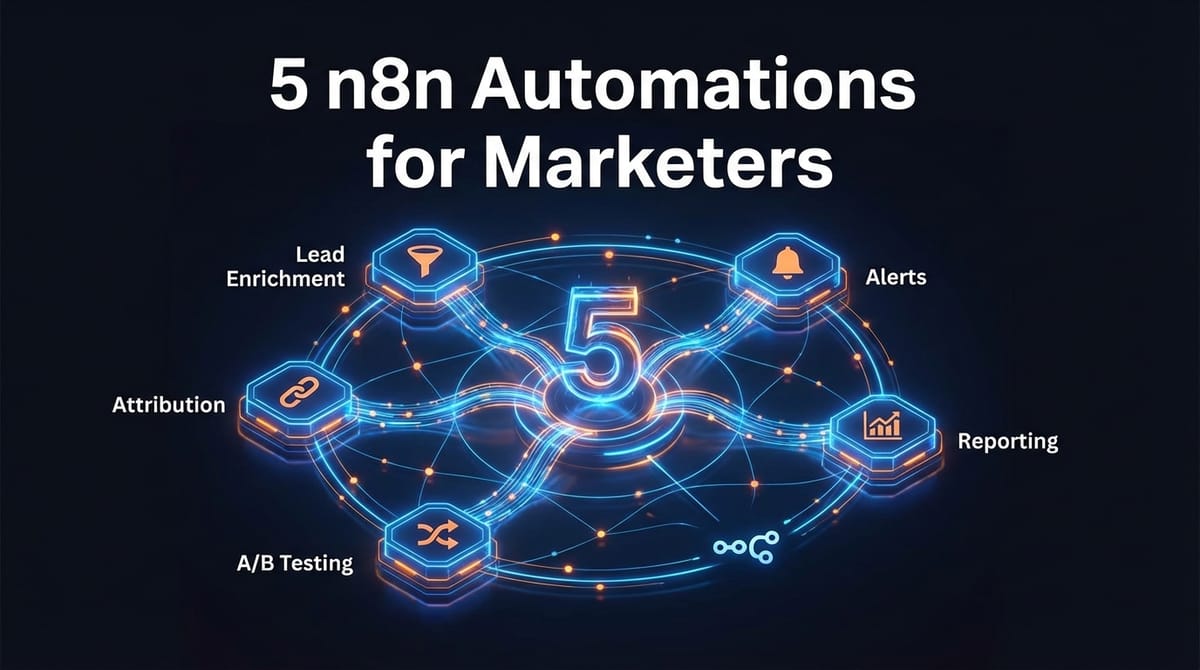
Here are five workflows that actually move the needle.
1. Lead Enrichment Pipeline: From Form Submit to Sales-Ready in Seconds
The problem with raw leads is they're just email addresses. Your sales team needs context—company size, industry, LinkedIn profile, recent funding. Doing this manually takes 5-10 minutes per lead. At scale, that's a full-time job.
The n8n workflow looks like this:
Trigger: Webhook from your lead form (Typeform, HubSpot, or Facebook Lead Ads)
Enrichment chain:
- Clearbit or Apollo API call → company data
- LinkedIn lookup via Proxycurl → professional context
- OpenAI call → lead score and personalized first-touch suggestion
Output: Enriched record pushed to your CRM with all fields populated
The time savings are significant: what took 8 minutes now takes 3 seconds. But the real value is consistency. Every lead gets the same treatment, and your sales team gets context before the lead goes cold.
One agency we worked with processed 200+ leads weekly. Before automation: two team members spent Monday mornings enriching data. After: they spend that time on outreach instead.
2. Ad Spend Anomaly Alerts: Catch Problems Before They Drain Budget
Nothing ruins a Monday like discovering your weekend ad spend was 3x normal because a campaign glitched. By the time you notice, the damage is done.
n8n can poll your ad accounts hourly and alert you when something looks wrong. This isn't about replacing platform alerts—it's about catching the things platforms miss.
Trigger: Schedule node (hourly during business hours, every 4 hours overnight)
Data pulls:
- Google Ads API → campaign spend, CPC, conversions
- Meta Ads API → same metrics, different format
- Aggregate and normalize in a Code node
Logic:
- Compare current period to rolling 7-day average
- Flag if spend exceeds 150% of average
- Flag if CPA exceeds 200% of average
- Flag if impressions drop below 50% of average
Alert: Slack message with campaign name, metric, and direct link to the platform
The threshold percentages are starting points. Tune them based on your account volatility. Some accounts fluctuate naturally; others are steady enough that a 20% swing deserves attention.
At Etere Studio, we've seen this workflow save clients thousands in wasted spend. One e-commerce brand caught a targeting error within 2 hours instead of 2 days—the difference was roughly $4,000.
3. Cross-Platform Reporting: One Dashboard, Zero Manual Exports
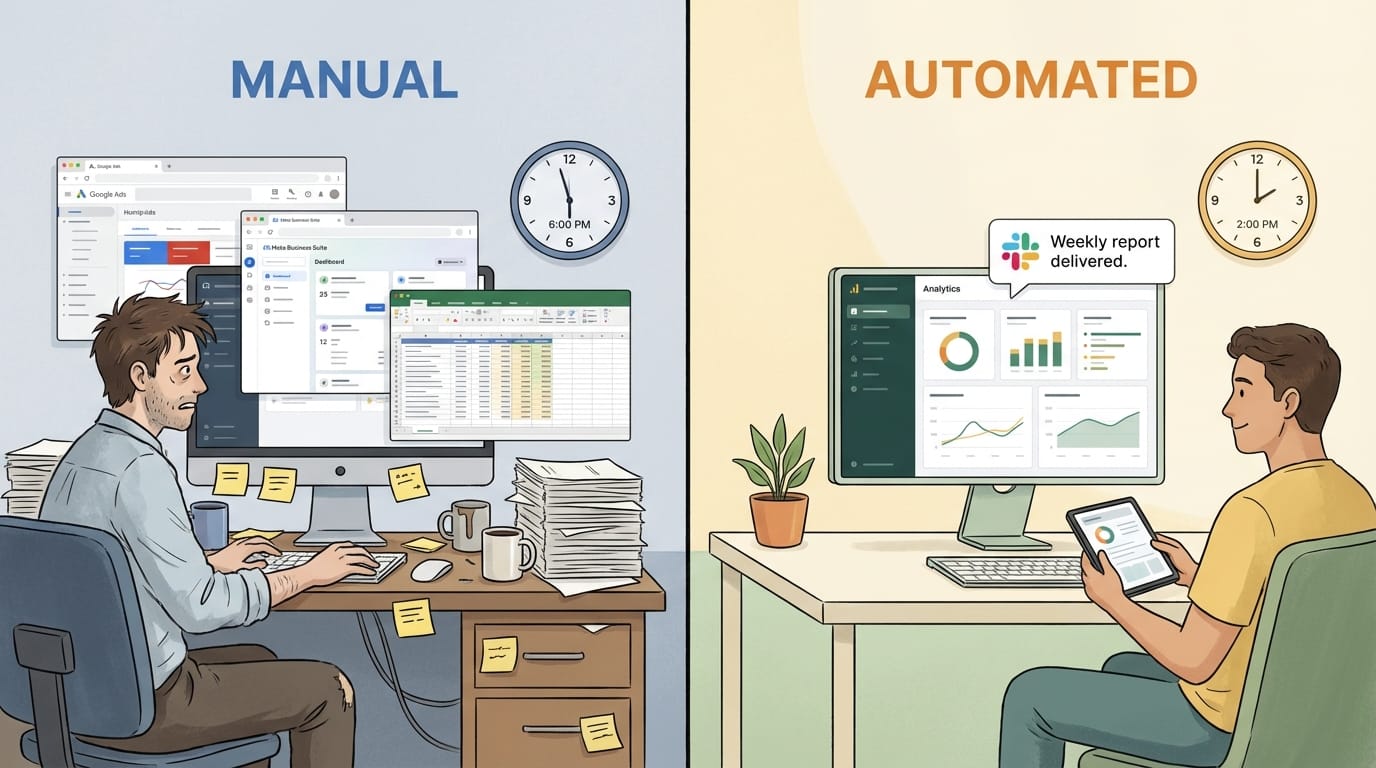
Performance marketers live in multiple platforms. Google Ads, Meta, TikTok, LinkedIn, Google Analytics, your CRM. Building a weekly report means logging into each one, exporting CSVs, copying into a spreadsheet, and hoping the date ranges match.
n8n can do this automatically, on schedule, and deliver it wherever your stakeholders actually look.
Trigger: Schedule node (every Monday at 7am, or daily for high-volume accounts)
Data collection:
- Google Ads node → spend, clicks, conversions, ROAS by campaign
- Meta Ads (via HTTP Request to Marketing API) → same structure
- Google Analytics node → sessions, bounce rate, goal completions
- CRM API → leads created, deals closed, revenue attributed
Processing:
- Merge node to combine all sources
- Code node to calculate derived metrics (blended CPA, overall ROAS)
- Format into clean JSON structure
Output options:
- Google Sheets → append to running report
- Notion database → for teams that live there
- Email via SendGrid → formatted HTML summary
- Slack → key metrics in a channel
The beauty of this approach is flexibility. Add a new ad platform? Drop in another node. Stakeholder wants a different metric? Adjust the Code node. No waiting for your BI team's roadmap.
4. Automated A/B Test Analysis: Know When You Have a Winner
Most A/B tests run too long or get called too early. Statistical significance isn't intuitive, and checking manually is tedious enough that people skip it.
This workflow monitors your tests and tells you when the data actually supports a decision.
Trigger: Daily schedule (or hourly for high-traffic tests)
Data pull:
- Fetch variant performance from your testing platform API
- Or pull directly from ad platform if testing ad creative
Analysis (Code node):
- Calculate conversion rates for each variant
- Compute statistical significance using a simple z-test
- Check if sample size meets minimum threshold
- Determine if winner is clear (95%+ confidence) or if test needs more time
Output:
- If significant: Slack alert with winner, confidence level, and recommendation
- If not significant: log result, continue monitoring
- If test running too long with no signal: alert to consider stopping
The Code node for significance testing is about 30 lines of JavaScript. Nothing fancy—just the math that tells you whether your results are real or noise.
This workflow doesn't replace judgment. It gives you the data to make faster, more confident calls. We've seen teams cut their average test duration by 40% simply because they stopped waiting "one more week" out of uncertainty.
5. Webhook-Based Attribution Tracking: Connect Offline Conversions to Campaigns
Platform attribution is limited. It knows about clicks and on-site conversions, but what about the lead that called your sales line? The deal that closed 60 days later? The customer who converted after seeing ads but never clicked?
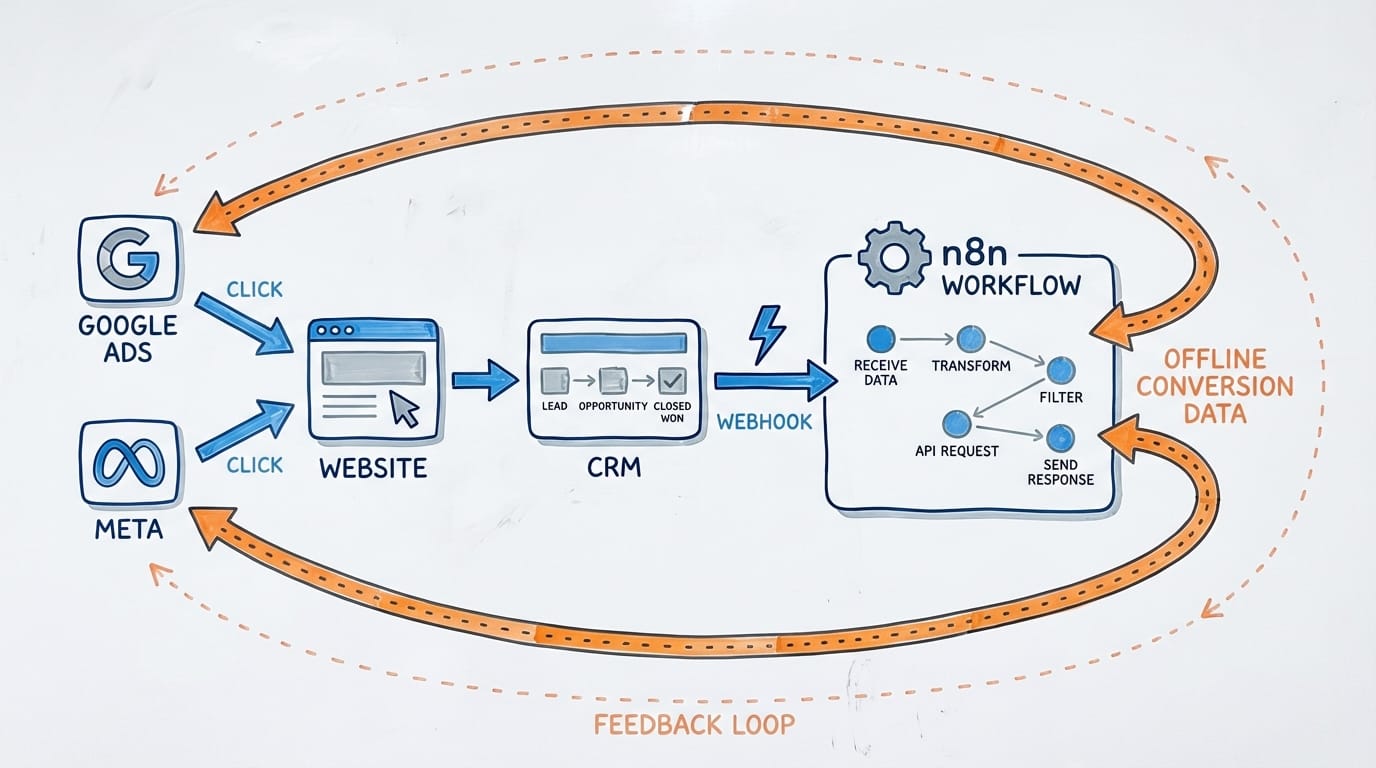
Webhook-based attribution lets you feed these signals back to your ad platforms, improving optimization and giving you a truer picture of performance.
Trigger: Webhook from your CRM (fired when deal closes, or when specific status changes)
Processing:
- Extract customer identifier (email, phone, or click ID if captured)
- Look up original acquisition source from your database
- Calculate conversion value
API calls:
- Google Ads Offline Conversion Import → feed the conversion back
- Meta Conversions API → same for Facebook/Instagram attribution
- Update your internal reporting database
Why this matters:
Ad platforms optimize toward what they can see. If they only see form fills, they'll optimize for form fills—even if those leads never close. By feeding back actual revenue, you're training the algorithms on what actually matters to your business.
The setup requires some upfront work: capturing click IDs at the lead stage, maintaining the connection through your sales process. But the payoff is campaigns that optimize toward revenue, not vanity metrics.
Getting Started Without Overwhelm
You don't need all five workflows on day one. Start with the one that addresses your biggest time sink or your most painful blind spot.
For most teams, that's either the cross-platform reporting workflow (immediate time savings, visible to stakeholders) or the ad spend alerts (prevents expensive mistakes).
n8n's self-hosted option means you can run these workflows for the cost of a small server—typically $20-50/month. The cloud version works too if you prefer managed infrastructure.
A few practical tips from our experience:
- Version control your workflows. Export JSON files and commit them to git. When something breaks, you'll want the history.
- Build incrementally. Get the trigger and one data source working before adding complexity.
- Log everything. Add a node that writes to a Google Sheet or database at key steps. When debugging, you'll thank yourself.
- Set up error notifications. n8n can alert you when workflows fail. Don't discover broken automations by noticing stale data.
The performance marketers who thrive in 2025 won't be the ones who work the most hours. They'll be the ones who automate the repetitive stuff and spend their time on strategy, creative, and decisions that actually require human judgment.
Building marketing automations for your team? We've helped agencies and brands set up n8n workflows that save real time. Let's talk