
Business Process Automation for SMBs: How Micro-Automations Eliminate Invisible Work
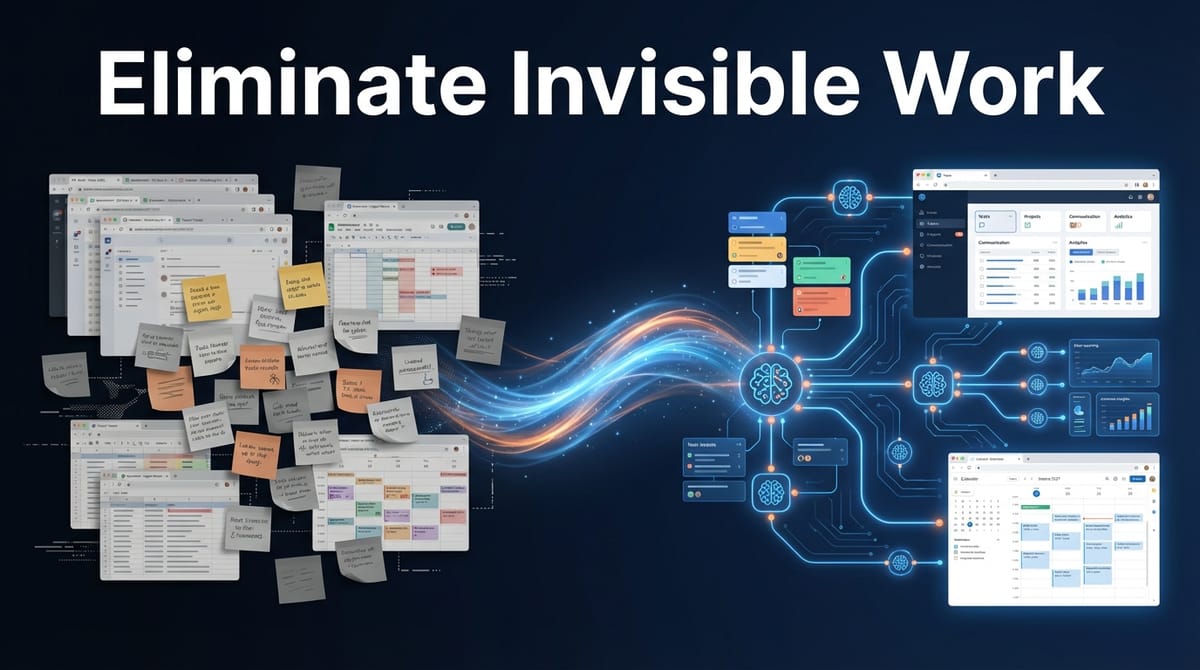
Your best people are spending hours on work that doesn't show up on any task list. Copy-pasting data between systems. Sending manual reminders. Assembling weekly reports by hand. This is invisible work—and for SMBs with 10-50 employees, it's quietly draining 8-12 hours per week from your team.
A Salesforce study found that small business owners lose an average of 96 minutes of productivity daily to tasks that could be automated. That's nearly 8 hours a week. Per person. And most of it happens in the gaps between your actual tools—the duct tape holding your operations together.
What Invisible Work Actually Looks Like
Invisible work is any repetitive task that's too small to hire for, too tedious to prioritize, but too necessary to ignore. It accumulates in the cracks of your business.
Here's what we see constantly when working with SMB clients at Etere Studio:
Copy-pasting between systems. Your sales team closes a deal in the CRM, then manually enters the same information into your invoicing tool. Someone on ops exports a spreadsheet from one platform and uploads it to another. Every. Single. Day.
Manual follow-up reminders. A manager keeps a mental list (or worse, a sticky note) of who needs to be reminded about what. Overdue invoices, pending approvals, contract renewals—all tracked in someone's head.
Hand-assembled reports. Every Monday, someone spends 2 hours pulling numbers from four different dashboards, copying them into a spreadsheet, formatting it, and emailing it to leadership. The same report. Every week.
Duplicate data entry. A new client signs up. Their information gets entered into your project management tool, then your billing system, then your email marketing platform, then your support desk. Four times. Four chances for typos.
None of these tasks are hard. That's the problem. They're easy enough that no one questions them. But they add up to a full-time employee's worth of wasted effort across a 30-person company.
The Hidden Cost of "It Only Takes 5 Minutes"
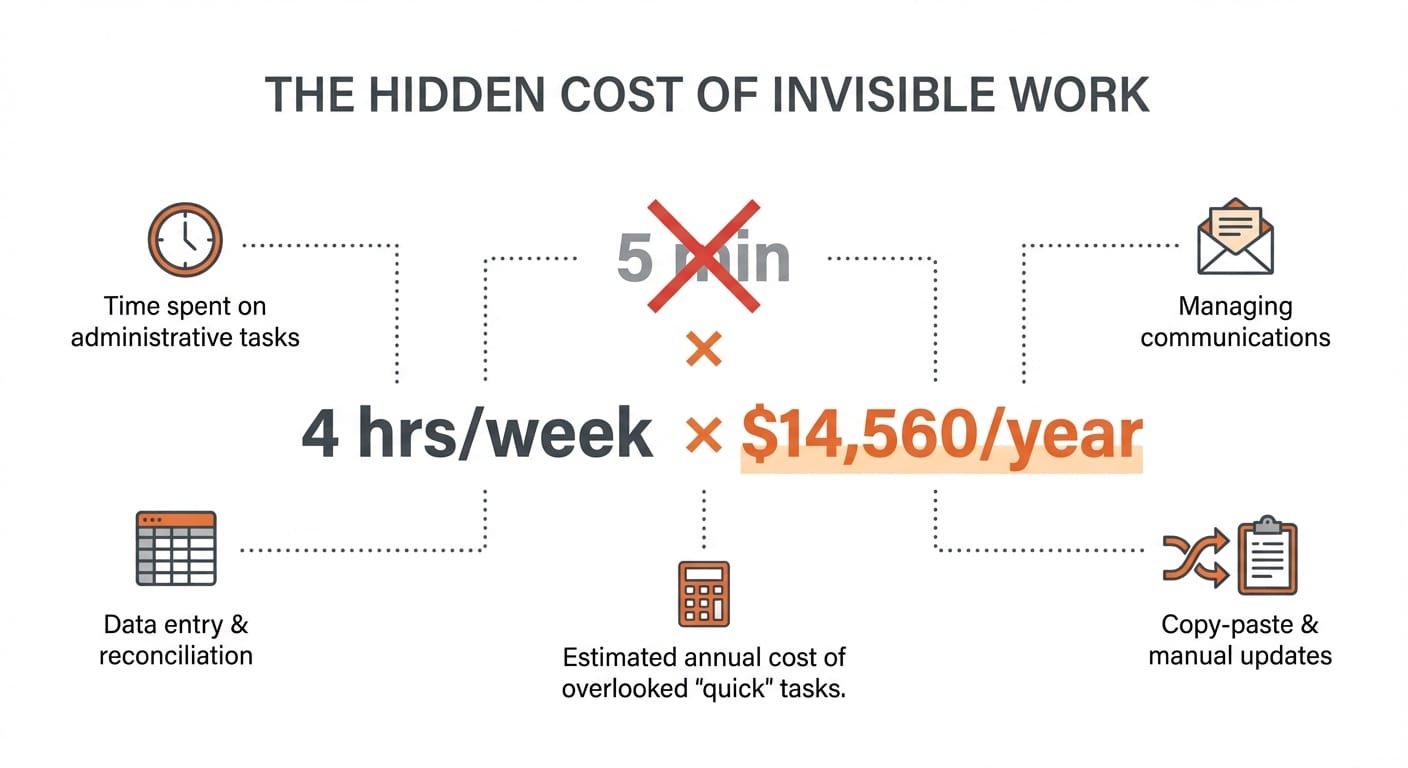
The most dangerous phrase in operations is "it only takes 5 minutes." Because those 5-minute tasks happen dozens of times per week, across multiple people.
Let's do the math on a real scenario:
An operations manager at a 25-person company spends:
- 15 minutes/day copying order data from Shopify to their inventory spreadsheet
- 20 minutes/day sending follow-up emails for overdue tasks
- 45 minutes/week compiling a status report for the leadership team
- 10 minutes/day updating client records across two systems
That's roughly 4 hours per week. At a $70/hour fully-loaded cost, that's $14,560 per year—on tasks that add zero strategic value.
And that's one person. Multiply across your team, and you're looking at the equivalent of a full hire spent on busywork.
73% of IT leaders report that automation helps employees save 10-50% of the time they previously spent on manual tasks. For SMBs, that time savings often translates directly to capacity—capacity to take on more clients, ship faster, or finally tackle that project that's been on the backlog for months.
Micro-Automations: Small Fixes, Big Impact
Micro-automations are targeted workflows that handle a single repetitive task automatically. They're not massive digital transformation projects. They're surgical fixes for specific pain points.
At Etere Studio, we've helped SMB clients implement micro-automations that typically take 1-3 days to build and pay for themselves within weeks. Here are patterns that work:
The morning data sync. Instead of someone manually exporting and importing data between systems, a scheduled automation runs at 6am. By the time your team arrives, everything is already synced. One e-commerce client eliminated 3 hours of daily Shopify export work this way.
The smart reminder system. Instead of someone tracking follow-ups manually, automations monitor due dates and send reminders automatically. Overdue invoice? Client gets a polite nudge. Pending approval sitting for 48 hours? The approver gets a ping. A services company we worked with reclaimed 45 minutes per week that their office manager spent on manual reminder emails.
The self-assembling report. Instead of someone pulling numbers from multiple sources, an automation collects the data, formats it, and delivers it to the right inbox. One client's 2-hour weekly board report now generates automatically every Sunday night.
The new-client sync. When a client is added to your CRM, their information automatically populates in your invoicing tool, project management system, and support desk. No duplicate entry. No typos. One source of truth.
Where to Start: Finding Your Highest-ROI Automations
Not every repetitive task is worth automating. The best candidates share three characteristics:
- High frequency. Tasks that happen daily or multiple times per week. A monthly task that takes 30 minutes isn't worth automating. A daily task that takes 10 minutes absolutely is.
- Clear trigger. Something specific kicks off the task—a new form submission, a date being reached, a status changing. If the trigger is fuzzy ("when it feels like it's time"), automation gets complicated.
- Predictable steps. The task follows the same pattern every time. If it requires judgment calls or varies significantly, it's harder to automate reliably.
Here's a quick exercise: Ask your team to track every time they copy-paste something, send a reminder, or manually move data between tools over the next week. You'll find your automation candidates fast.
Quick Wins vs. Strategic Automation
We think about automation in two buckets:
Quick wins are micro-automations you can implement in days using tools like Zapier, Make, or n8n. They connect existing tools, require minimal customization, and solve immediate pain points. Cost: typically $500-2,000 to set up, plus tool subscriptions.
Strategic automation involves custom-built workflows, often with AI components, that handle more complex processes. These might include document processing, intelligent routing, or multi-step approvals with conditional logic. Cost: $5,000-20,000+, depending on complexity.
Most SMBs should start with quick wins. Get 3-5 micro-automations running, prove the value, then invest in strategic automation for your highest-impact processes.
79% of SMBs report measurable productivity improvements from automation. But the ones who see the biggest gains start small, measure results, and expand systematically—rather than trying to automate everything at once.
The ROI Reality Check
Automation projects should pay for themselves within 3-6 months. If they don't, either the problem wasn't painful enough or the solution was over-engineered.
Here's how we calculate ROI for micro-automation projects:
Time saved per week × Hourly cost of person doing the task × 52 weeks = Annual savings
If your office manager spends 5 hours/week on tasks you can automate, and their fully-loaded cost is $50/hour, that's $13,000/year in recovered capacity. A $3,000 automation project pays for itself in under 3 months.
The less obvious benefit: your best people stop doing work that drains them. Invisible work is demoralizing. Nobody went into operations to copy-paste data between spreadsheets. Automating the tedious stuff means your team can focus on work that actually uses their skills.
Invisible work won't show up on your P&L, but it's costing you real money and real capacity. The good news: most of it is fixable with targeted micro-automations that take days to implement, not months.
Looking at your own invisible work and wondering what's worth automating? We help SMBs identify and implement high-ROI automations. Let's talk