
5 Time-Draining Business Tasks You Can Automate Today (and Save 15+ Hours Per Week)

You're not lazy. You're just spending 15+ hours every week on tasks a computer could do in minutes.
Business process automation sounds like something for big corporations with IT departments. It's not. If you're a small business owner, consultant, or solo operator, you probably have five or six tasks eating your week alive—and most of them can run on autopilot with tools you can set up this afternoon.
Here's where your time is actually going, and how to get it back.
1. Manual Data Entry Between Apps
The pain: You get a form submission, then manually copy it to your CRM. Someone pays an invoice, you update a spreadsheet. A lead comes in, you add them to your email list by hand.
This isn't work. It's copying and pasting between tabs.
The automation: Connect your apps so data flows automatically. When someone fills out your contact form, they appear in your CRM, get added to your email list, and trigger a Slack notification—all without you touching anything.
Tools to start: Zapier, Make (formerly Integromat), or even native integrations in tools like HubSpot or Notion.
Time saved: 3-4 hours per week (for most small businesses doing 20-50 manual entries weekly)
2. Sending Follow-Up Emails
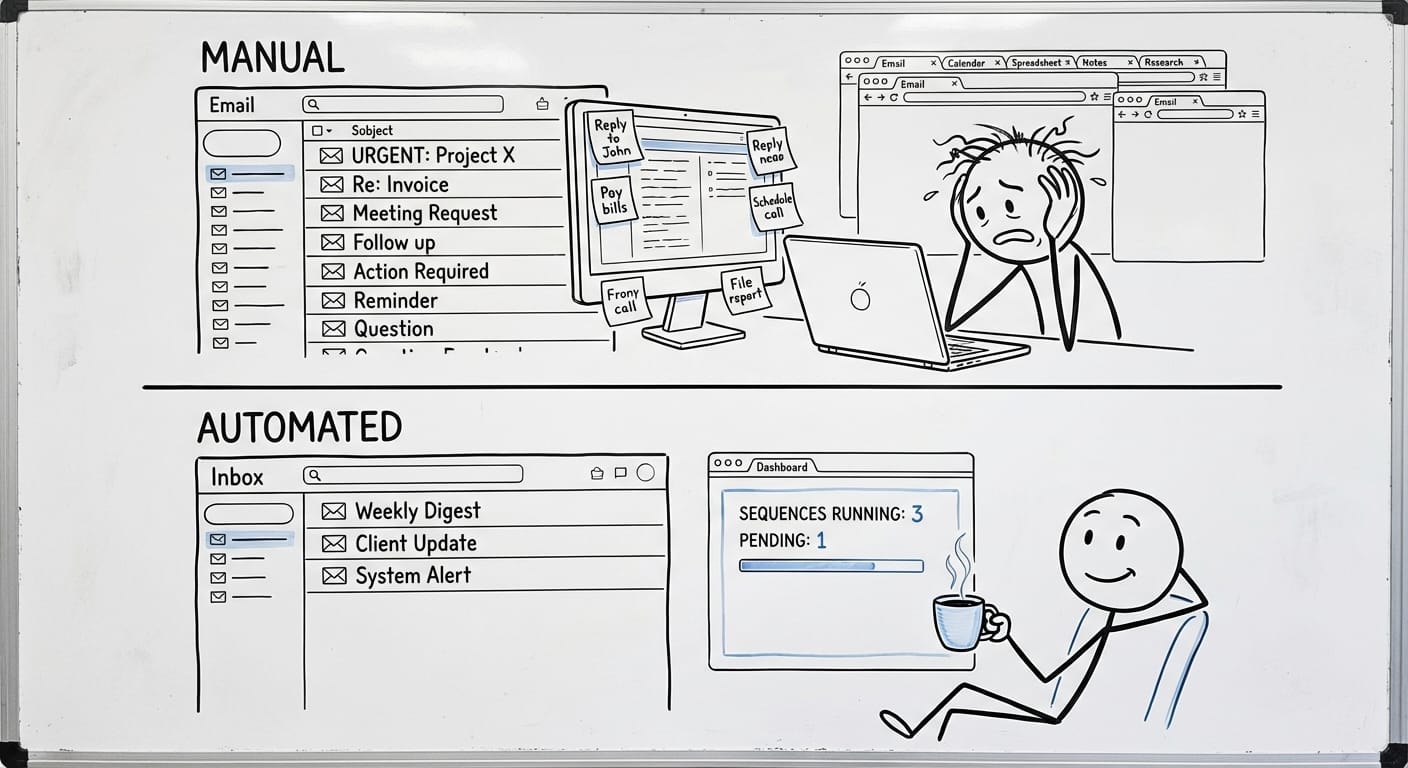
The pain: Someone downloads your guide, you remind yourself to follow up in three days. A prospect goes quiet, you write a "just checking in" email. A client finishes a project, you manually send a feedback request.
Every follow-up requires you to remember, write, and send. That mental overhead adds up fast.
The automation: Set up email sequences that trigger automatically. Download happens → email goes out on day 1, day 3, day 7. No thinking required. The same works for onboarding new clients, requesting reviews, or nudging cold leads.
Tools to start: Mailchimp, ConvertKit, or even Gmail with scheduled sending and templates. For more complex flows, tools like ActiveCampaign or Brevo work well.
Time saved: 2-3 hours per week (assuming you're sending 15-20 follow-ups manually)
3. Creating Reports and Updates
The pain: Every Monday you pull numbers from three different dashboards, paste them into a document, format it, and send it to your team or clients. Or worse—you do this daily.
Reporting is valuable. Building the same report by hand every week is not.
The automation: Pull data automatically from your sources (Google Analytics, Stripe, your CRM) into a live dashboard or auto-generated document. Schedule it to email out every Monday at 8am. You review it once, make adjustments if needed, done.
Tools to start: Google Looker Studio (free), Notion with database views, or Databox for fancier dashboards. For spreadsheet lovers, Google Sheets with automated imports works surprisingly well.
Time saved: 3-5 hours per week (if you're doing weekly reporting for multiple clients or stakeholders)
At Etere Studio, we've helped businesses cut reporting time from 4 hours to 30 minutes by connecting their tools to a single dashboard. The data was always there—it just needed to flow together.
4. Scheduling Meetings
The pain: "Does Tuesday work?" "How about Thursday at 2?" "Actually, can we do next week?" Back and forth, five emails deep, just to find 30 minutes.
This one feels small until you realize you're doing it 10 times a week.
The automation: Share a booking link. People pick a time that works for both of you. It adds to your calendar, sends confirmations, and even handles reminders and rescheduling.
Tools to start: Calendly (free tier is solid), Cal.com (open source), or Google Calendar's appointment scheduling.
Time saved: 2-3 hours per week (based on 8-10 meetings scheduled)
5. Invoice Reminders and Payment Follow-Ups
The pain: Invoice goes out. Nothing happens. You wait. You send a polite reminder. Wait again. Send another. This dance continues while your cash flow suffers and your mood tanks.
Chasing payments is awkward and time-consuming. It's also completely automatable.
The automation: Set up automatic payment reminders at intervals—3 days before due, on the due date, 7 days overdue. Most invoicing tools do this natively. For recurring clients, enable auto-charge so you never send an invoice again.
Tools to start: Stripe (with invoicing), QuickBooks, FreshBooks, or Wave (free). All have built-in reminder sequences.
Time saved: 2-3 hours per week (and significantly less stress)
The Math: 15+ Hours Back
| Task | Before | After | Saved |
|---|---|---|---|
| Data entry | 4 hrs/week | 15 min | 3.75 hrs |
| Follow-up emails | 3 hrs/week | 30 min | 2.5 hrs |
| Reporting | 4 hrs/week | 30 min | 3.5 hrs |
| Scheduling | 2.5 hrs/week | 15 min | 2.25 hrs |
| Payment reminders | 2.5 hrs/week | 10 min | 2.3 hrs |
| Total | 16 hrs | 1.5 hrs | 14.5+ hrs |
These numbers are conservative. We've seen businesses save 20+ hours once they start connecting more processes.
Start Small, Then Expand
You don't need to automate everything at once. Pick the task that annoys you most. Set up one automation this week. See how it feels.
Most people start with scheduling (it's the easiest win) and then move to data entry and follow-ups. By month two, they wonder why they waited so long.
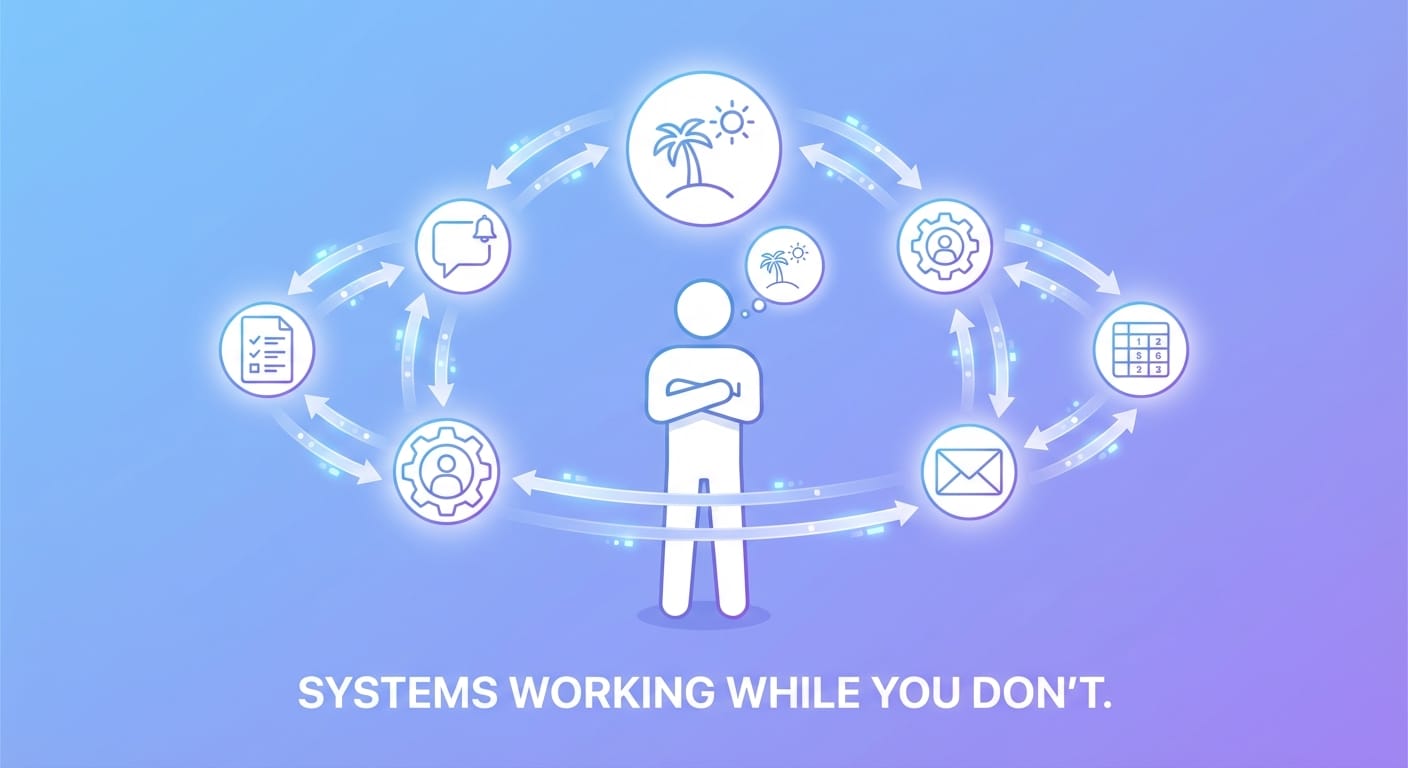
The goal isn't to remove yourself from your business. It's to remove yourself from the parts that don't need you—so you can focus on the parts that do.
Curious which of your processes could run on autopilot? We help businesses identify and automate their biggest time drains. Let's talk.